Balance the colour
Use separate red, green and blue controls to tint a source or adjust its colour balance while watching the programme preview.
 PixelMapBuddy
Standard · Pro
Adjust red, green, blue, brightness and contrast on each layer to match your media to the mood of your show.
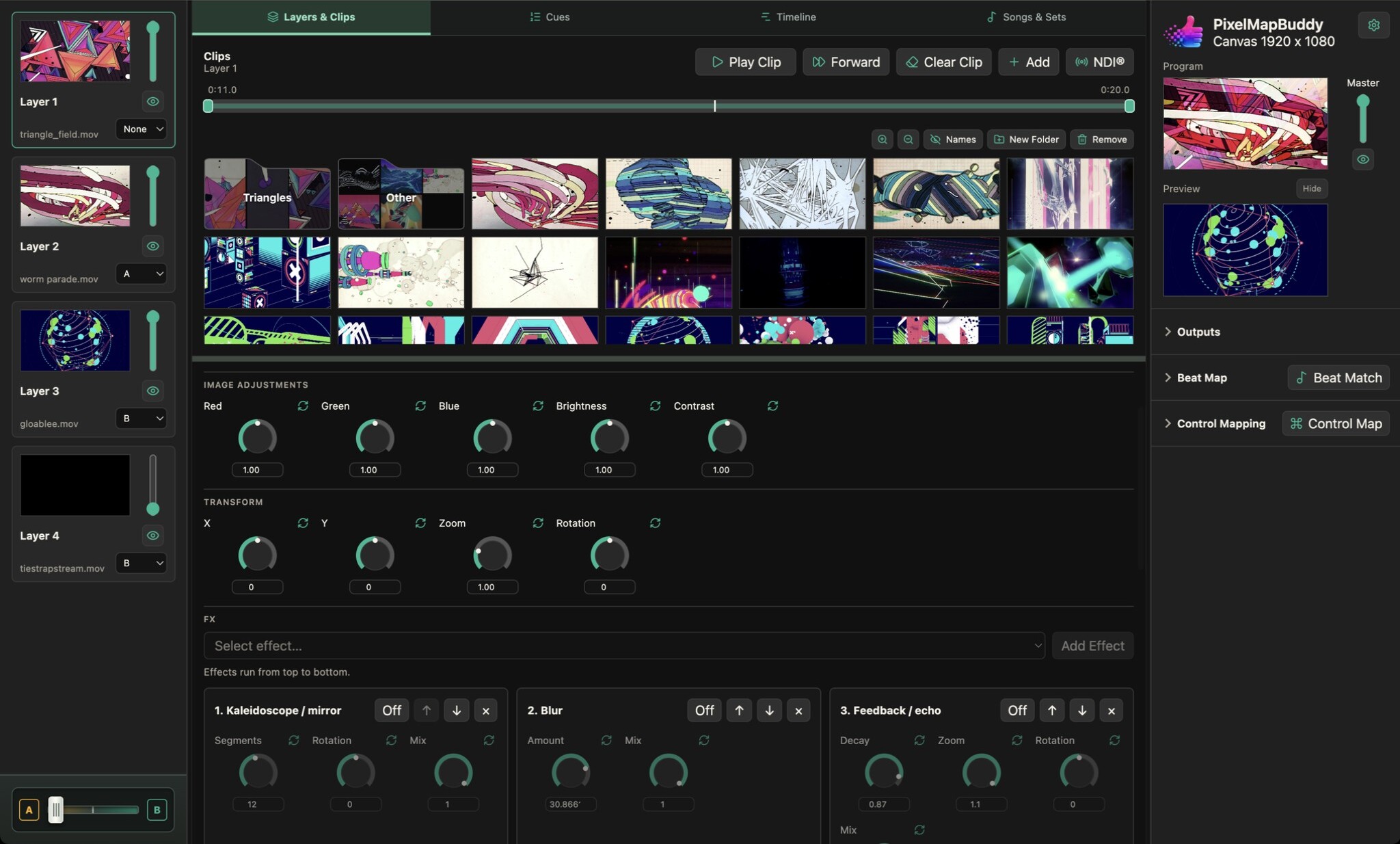
Use separate red, green and blue controls to tint a source or adjust its colour balance while watching the programme preview.
Lift or darken the image and adjust contrast independently of layer intensity. Apply adjustments to individual layers rather than the whole library.
Choose a control style that suits your workflow and reset individual parameters to their defaults. Map supported colour controls to external inputs for live operation.
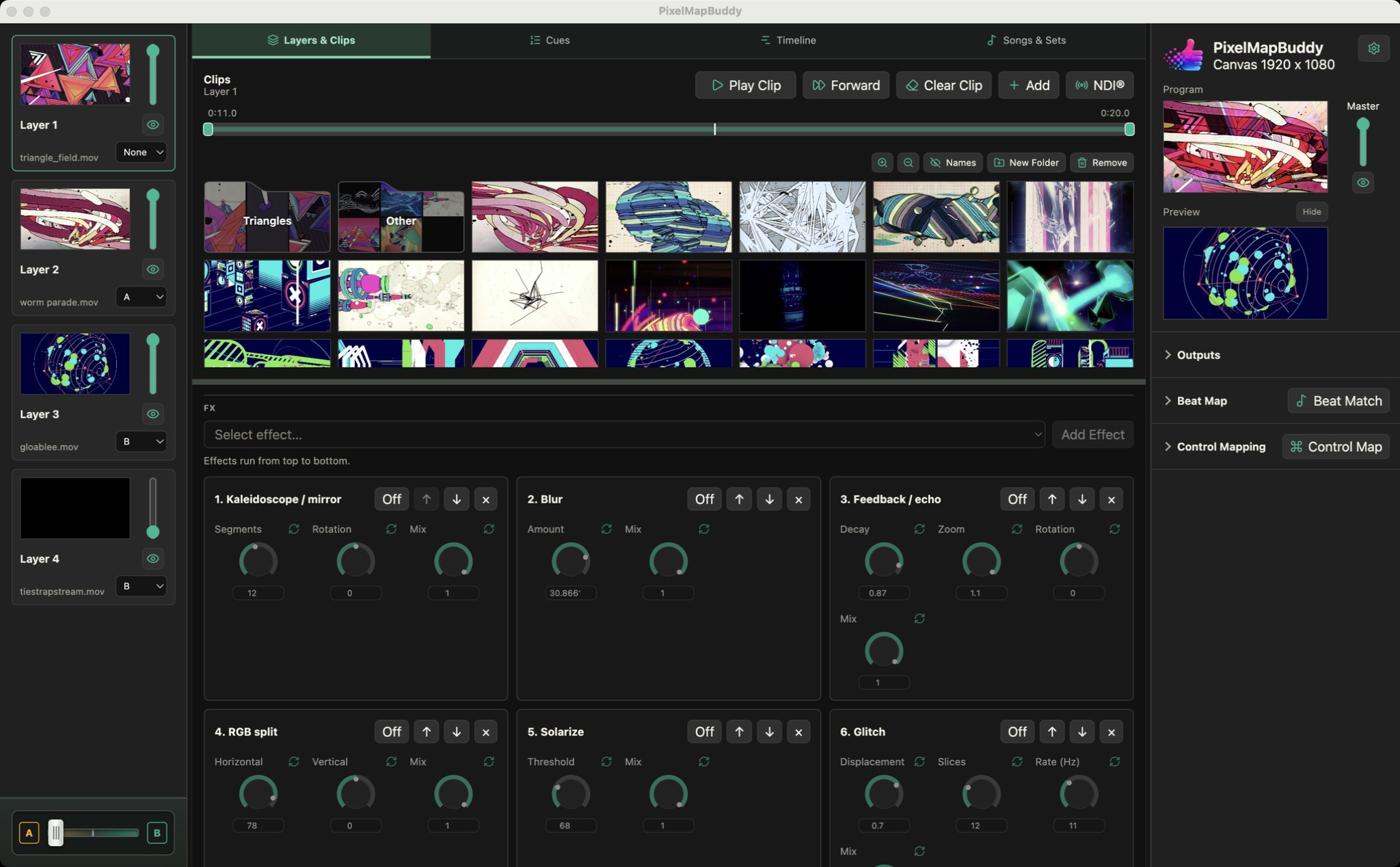
Shape the look of each layer with an FX chain you can reorder. Start with Blur and Strobe, then unlock the full rack in Standard or Pro.
Blur & Strobe in Free · All FX in Standard and Pro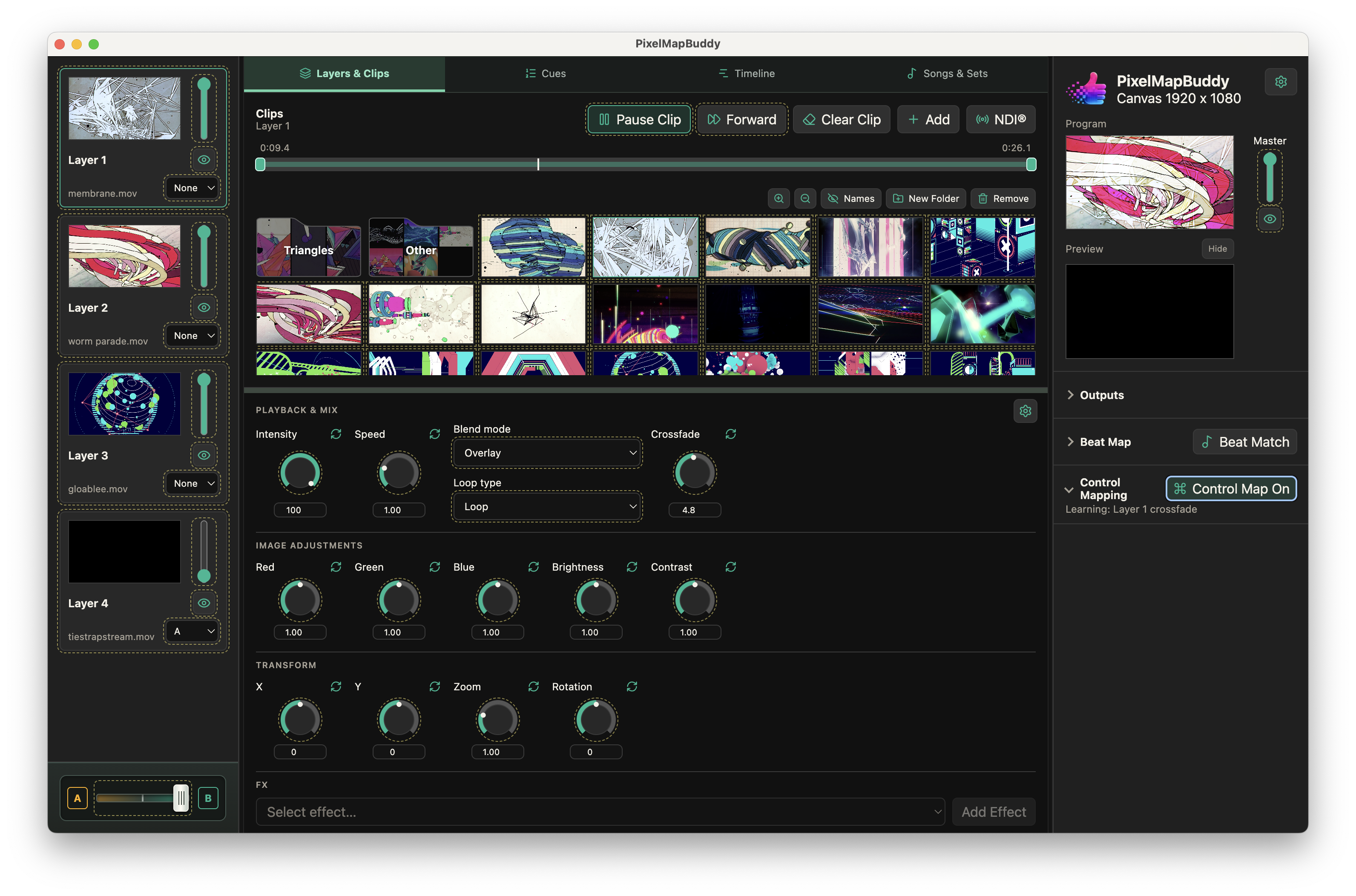
Put your visual controls on the hardware and software you already use. Map MIDI, OSC and DMX inputs to supported parameters in the workspace.
Free · Standard · Pro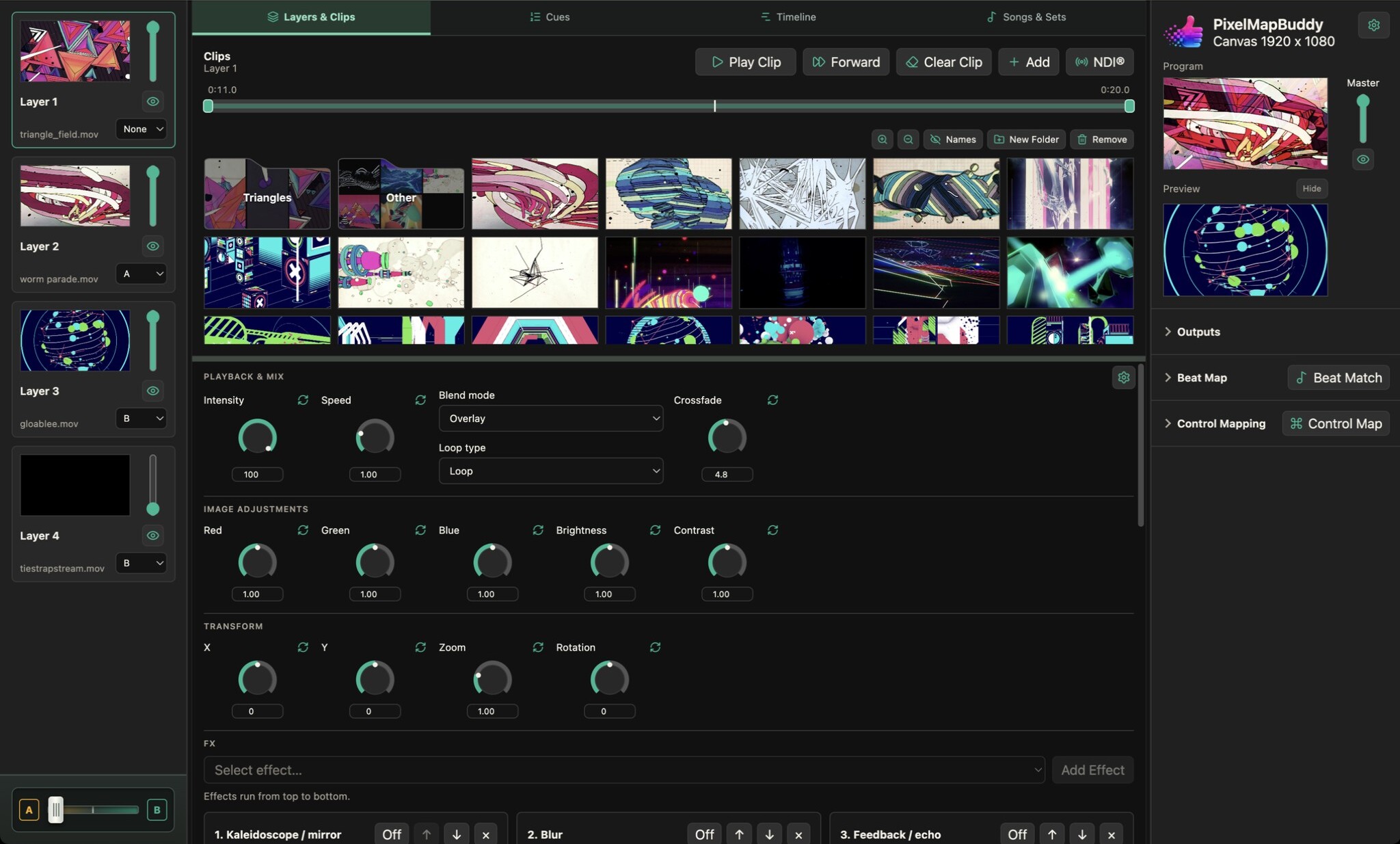
Bring video clips and still images into a visual performance with per-layer playback, a thumbnail media library and a live programme preview.
Free · Standard · Pro