A layer for every idea
Assign media to individual layers, adjust intensity and blend modes, and control playback without losing sight of the programme output. Free supports two layers, Standard four and Pro eight.
 PixelMapBuddy
Free · Standard · Pro
Build a visual mix around the way you perform. Keep your media library, layer controls and live preview together in one workspace.
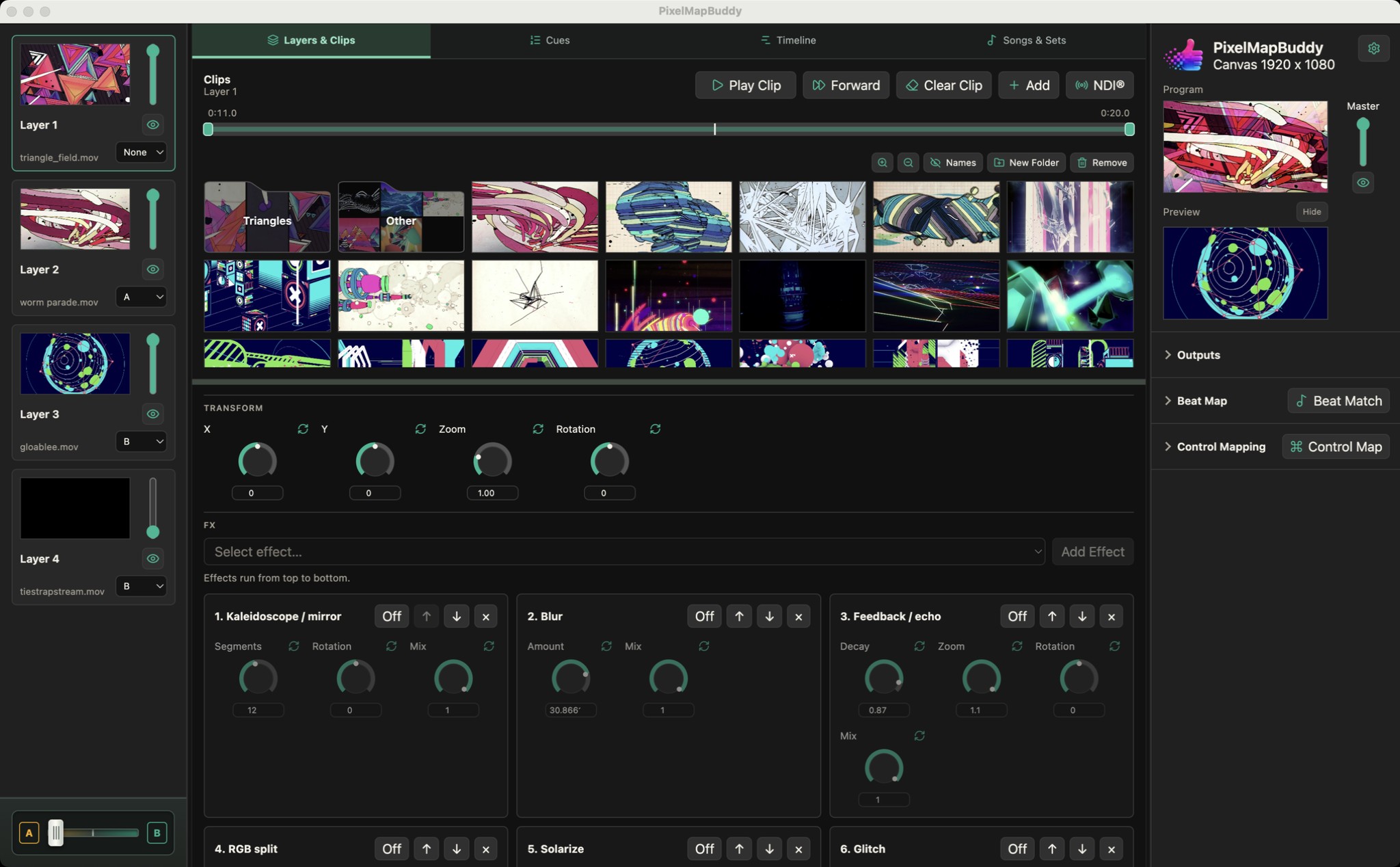
Assign media to individual layers, adjust intensity and blend modes, and control playback without losing sight of the programme output. Free supports two layers, Standard four and Pro eight.
Adjust playback speed, looping, clip trim and layer transitions. Use the A/B crossfader to move between layer groups while watching the live result.
Receive NDI video as a source and send your composition over NDI. Combine live sources with media clips, then route the result to your displays. NDI input and output require Pro.
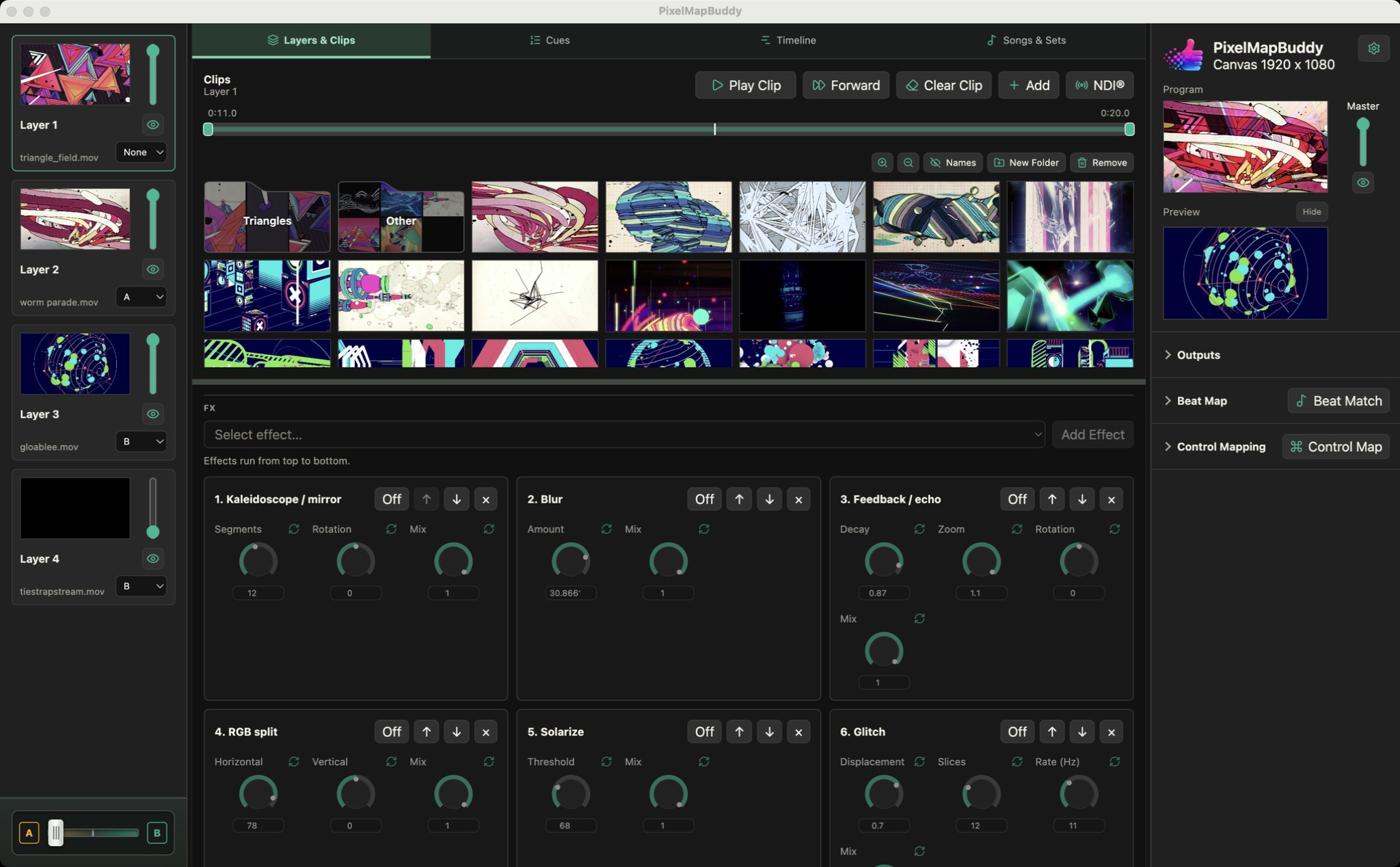
Shape the look of each layer with an FX chain you can reorder. Start with Blur and Strobe, then unlock the full rack in Standard or Pro.
Blur & Strobe in Free · All FX in Standard and Pro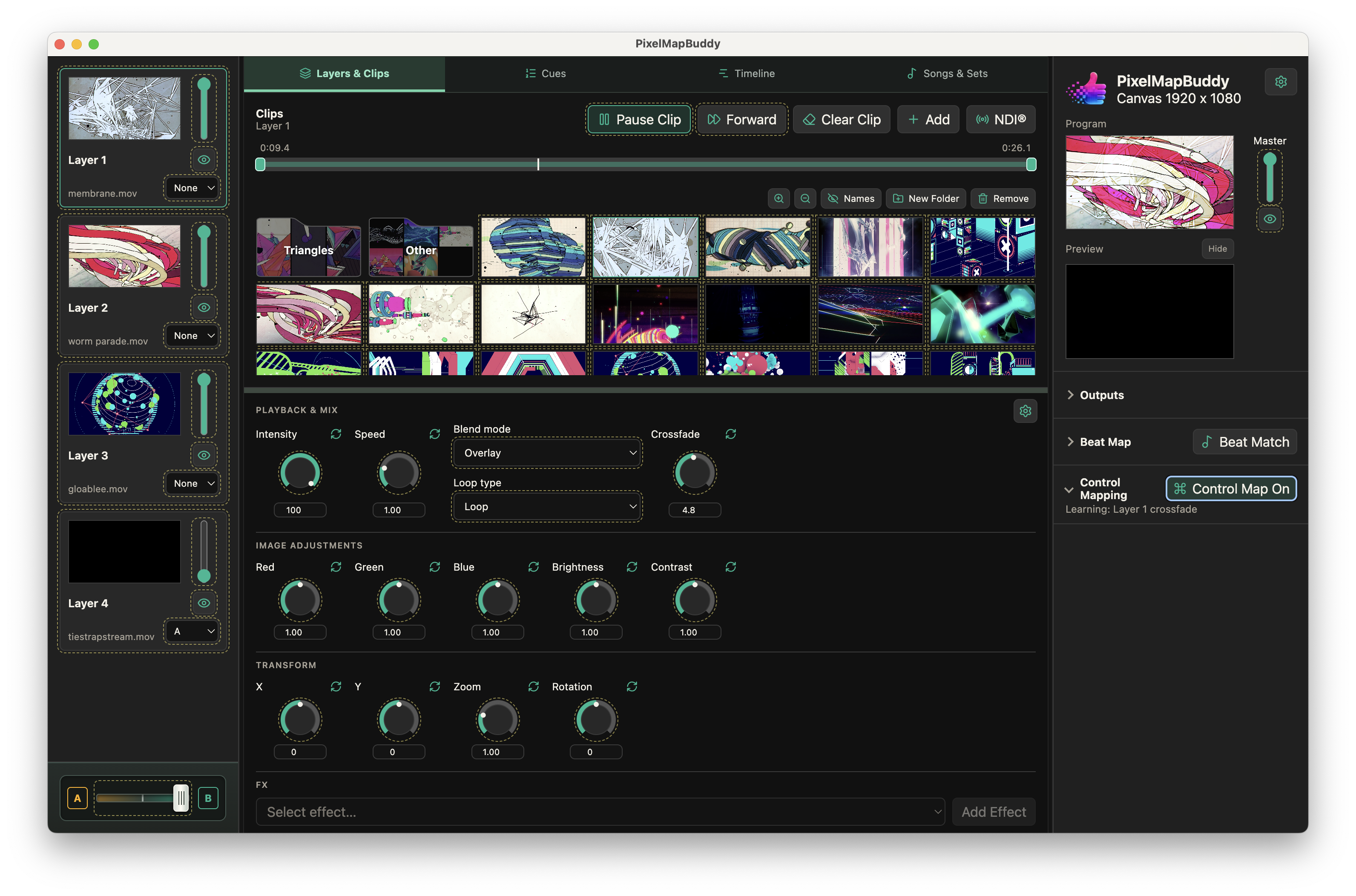
Put your visual controls on the hardware and software you already use. Map MIDI, OSC and DMX inputs to supported parameters in the workspace.
Free · Standard · Pro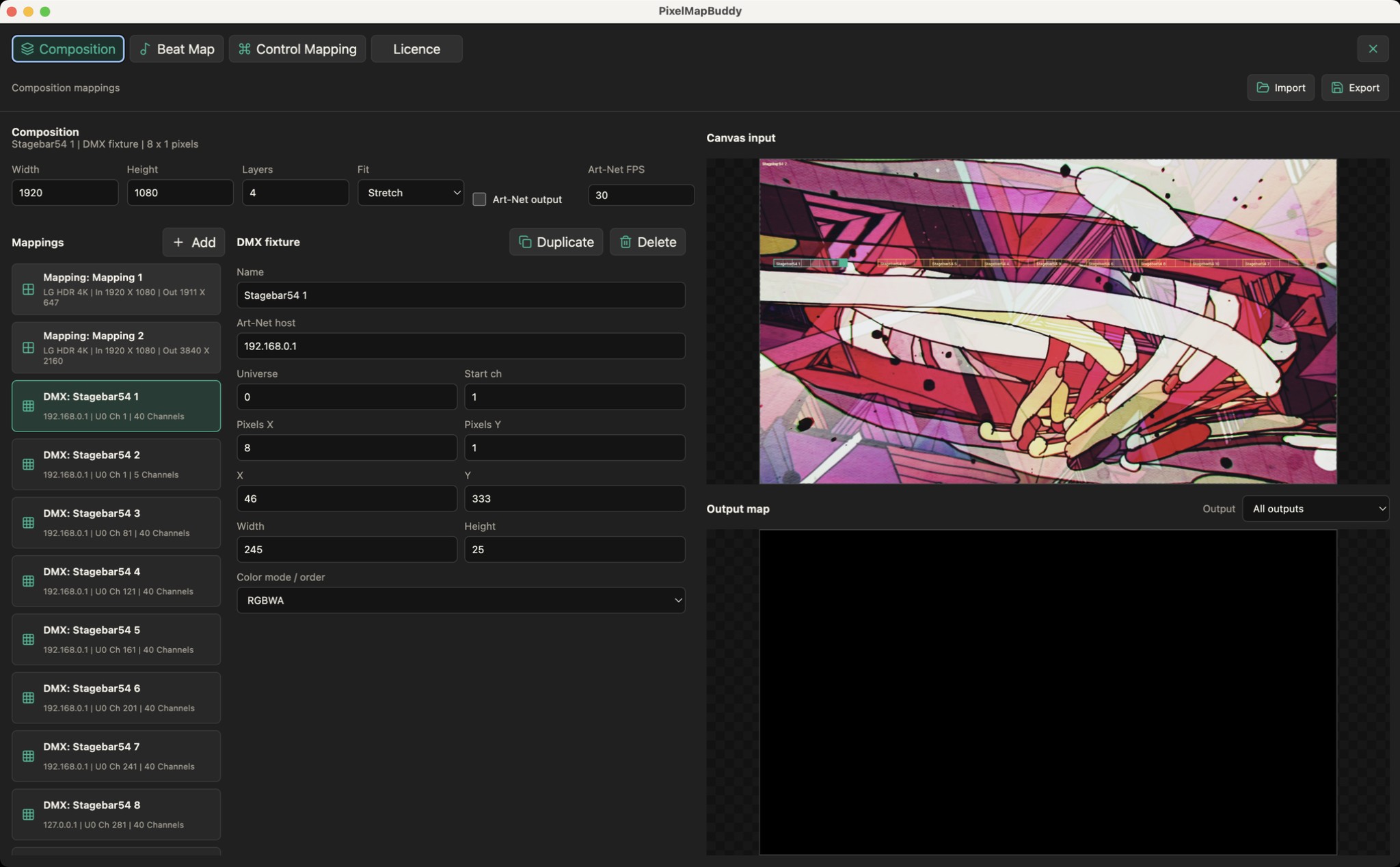
Turn your LED fixtures into a canvas. Place pixel layouts over your composition and send sampled colour to the rig over Art-Net.
Standard · Pro