Prepare two sides of the mix
Use each layer’s group selector to assign it to A, B or None. Build different looks on the two sides while retaining control of individual layers.
 PixelMapBuddy
Free · Standard · Pro
Assign layers to A and B groups and use the A/B crossfader to move between visual looks during your performance.
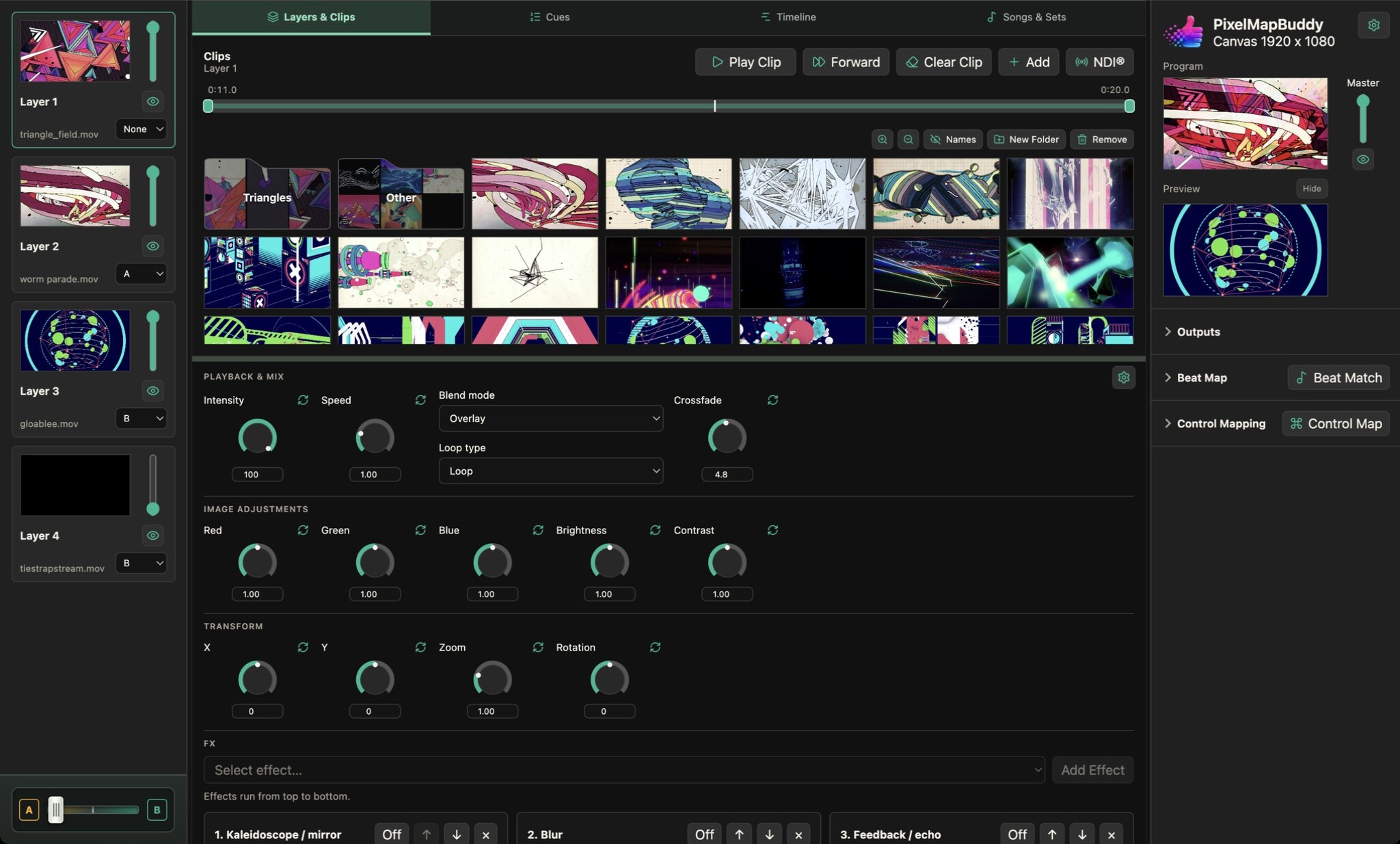
Use each layer’s group selector to assign it to A, B or None. Build different looks on the two sides while retaining control of individual layers.
Move the A/B crossfader to blend the two layer groups. Layers assigned to None stay outside the group fade so shared content can remain in the mix.
Operate the crossfader in the workspace or assign it with Control Map. Standard and Pro can also use Beat Match for tempo-driven movement.
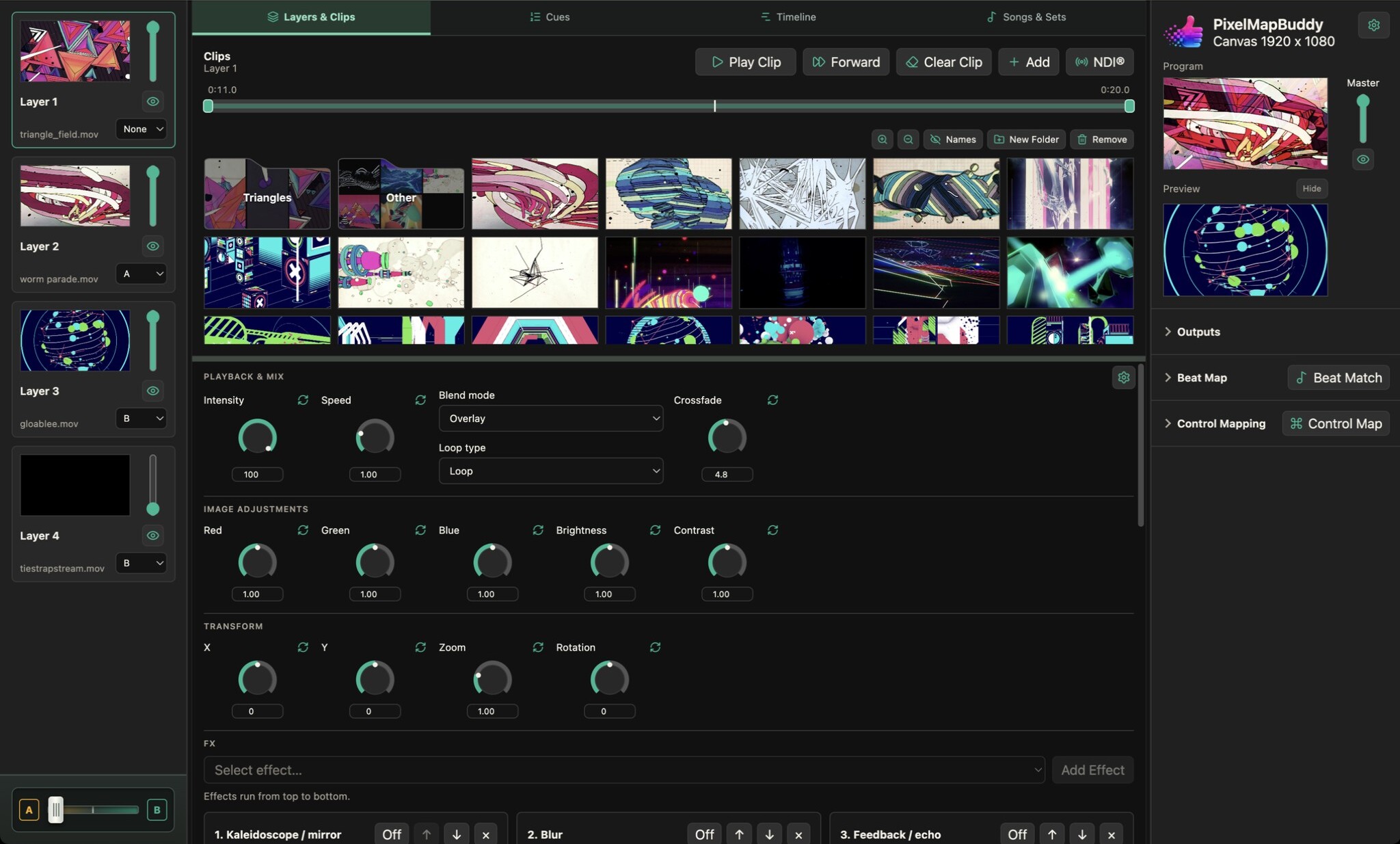
Bring video clips and still images into a visual performance with per-layer playback, a thumbnail media library and a live programme preview.
Free · Standard · Pro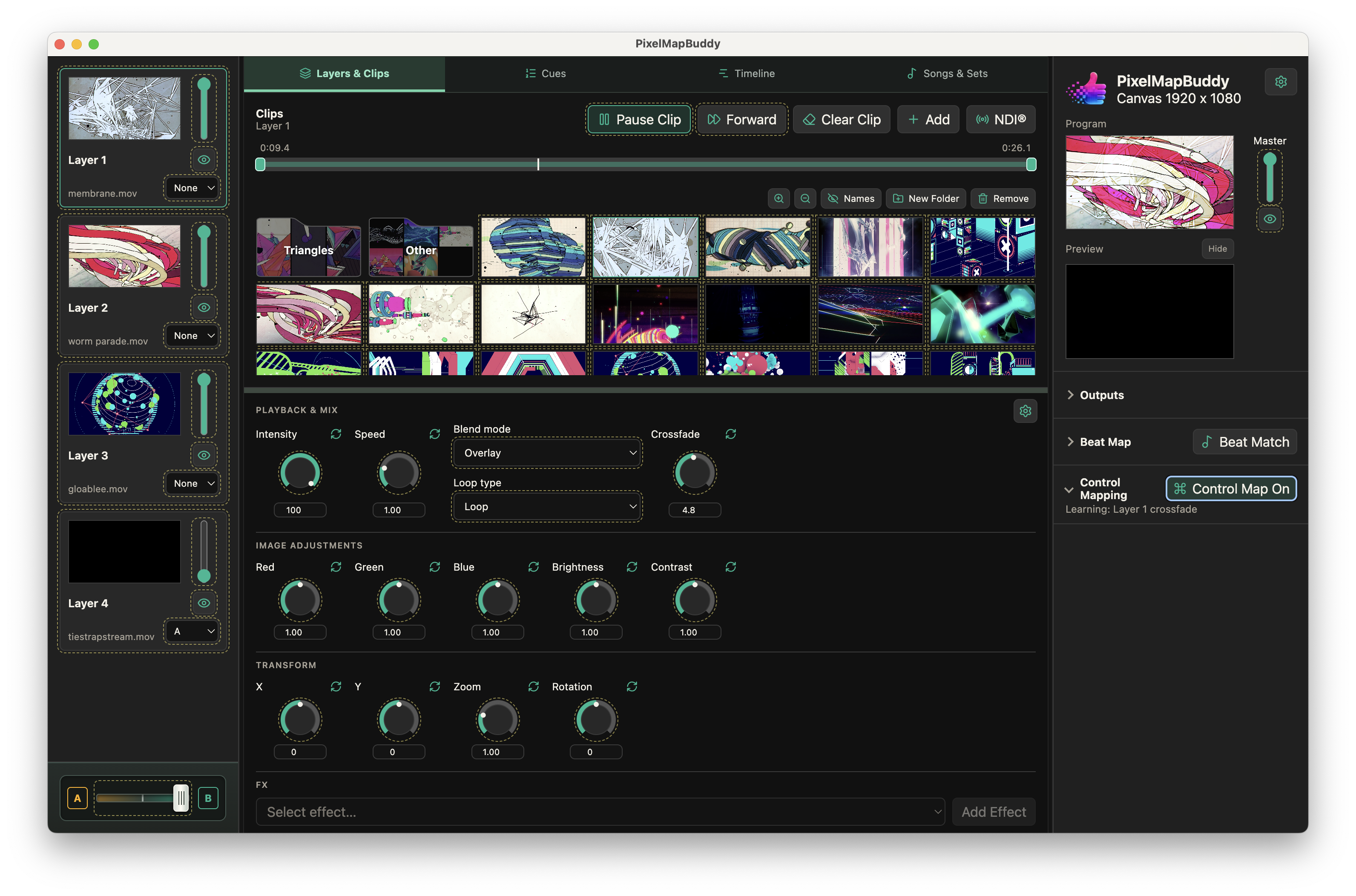
Put your visual controls on the hardware and software you already use. Map MIDI, OSC and DMX inputs to supported parameters in the workspace.
Free · Standard · Pro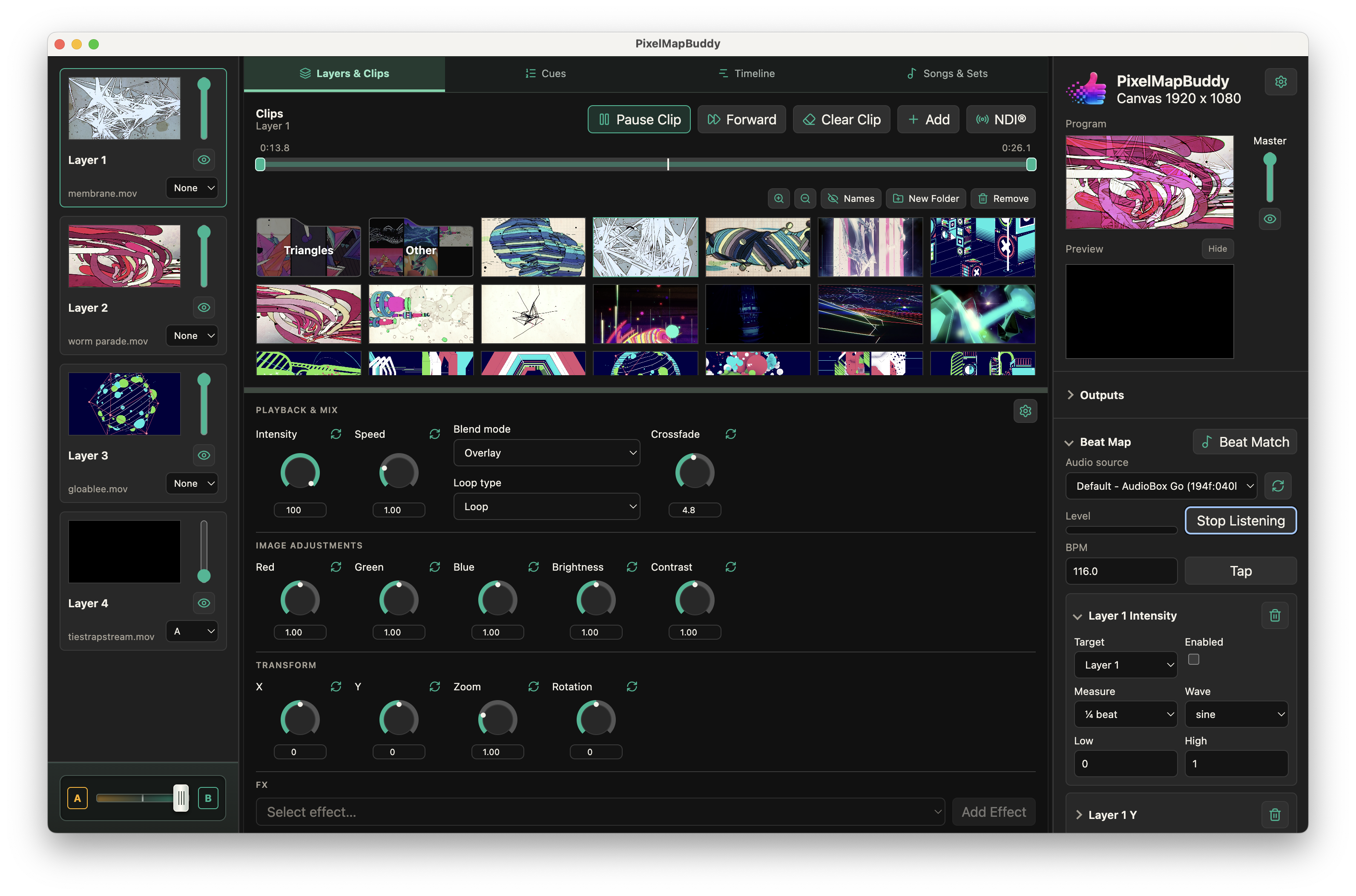
Give your visuals a musical pulse. Beat Map connects parameters to tempo-driven movement so your mix can change with the beat.
Standard · Pro