Fit the projection surface
Use four-point perspective correction and mesh warping to adjust the mapped image. Keep the source composition separate from the shape of the destination.
 PixelMapBuddy
Pro
Fit the output to your projection surface. Pro adds advanced geometry and masking tools to the composition mapping workflow.
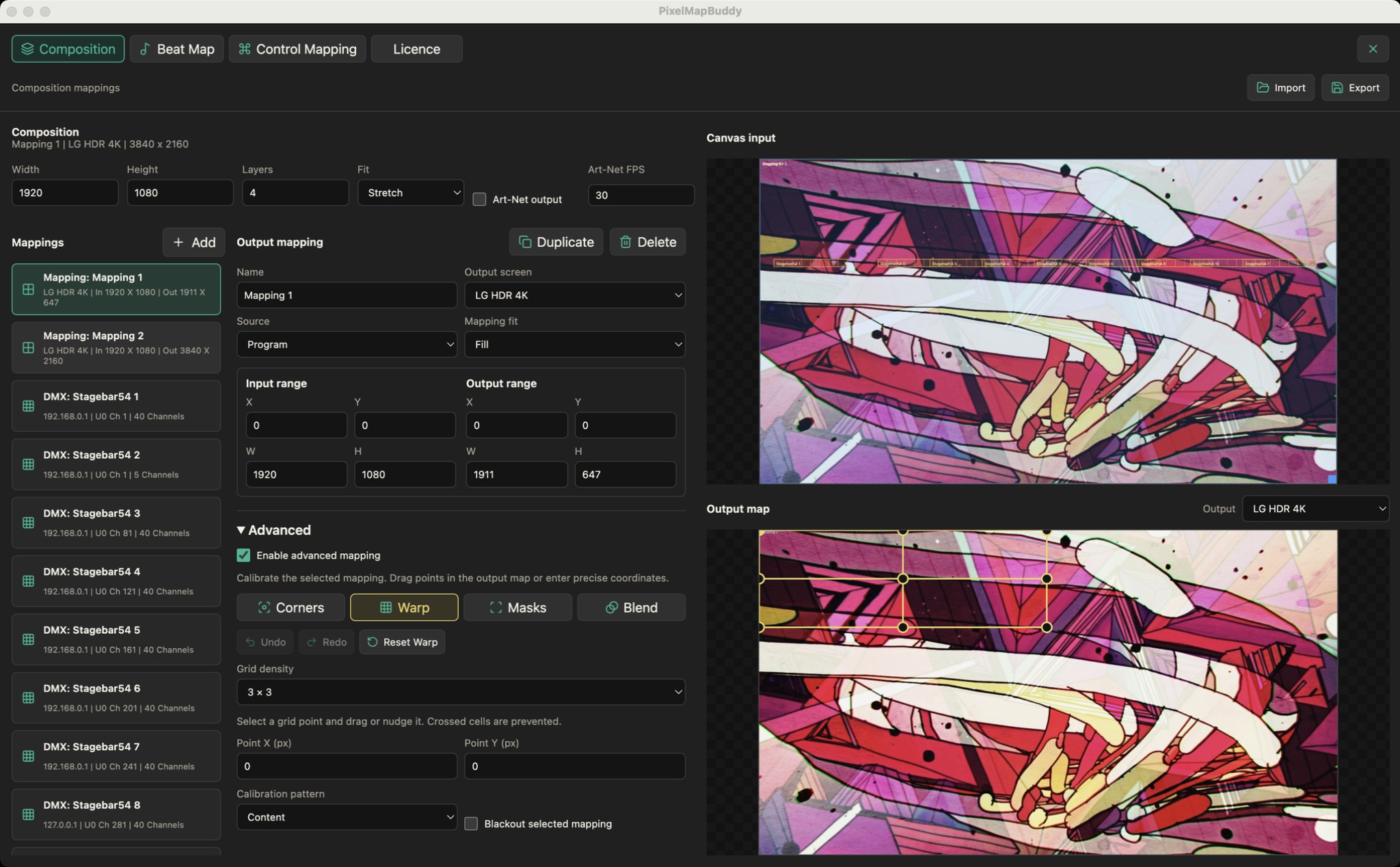
Use four-point perspective correction and mesh warping to adjust the mapped image. Keep the source composition separate from the shape of the destination.
Add masks and refine their points to shape the visible output. Use the editor preview to check the result as you adjust your mapping.
Configure edge blending for adjacent projector mappings. Advanced output is included in Pro; Standard and Free keep these controls visible but disabled.
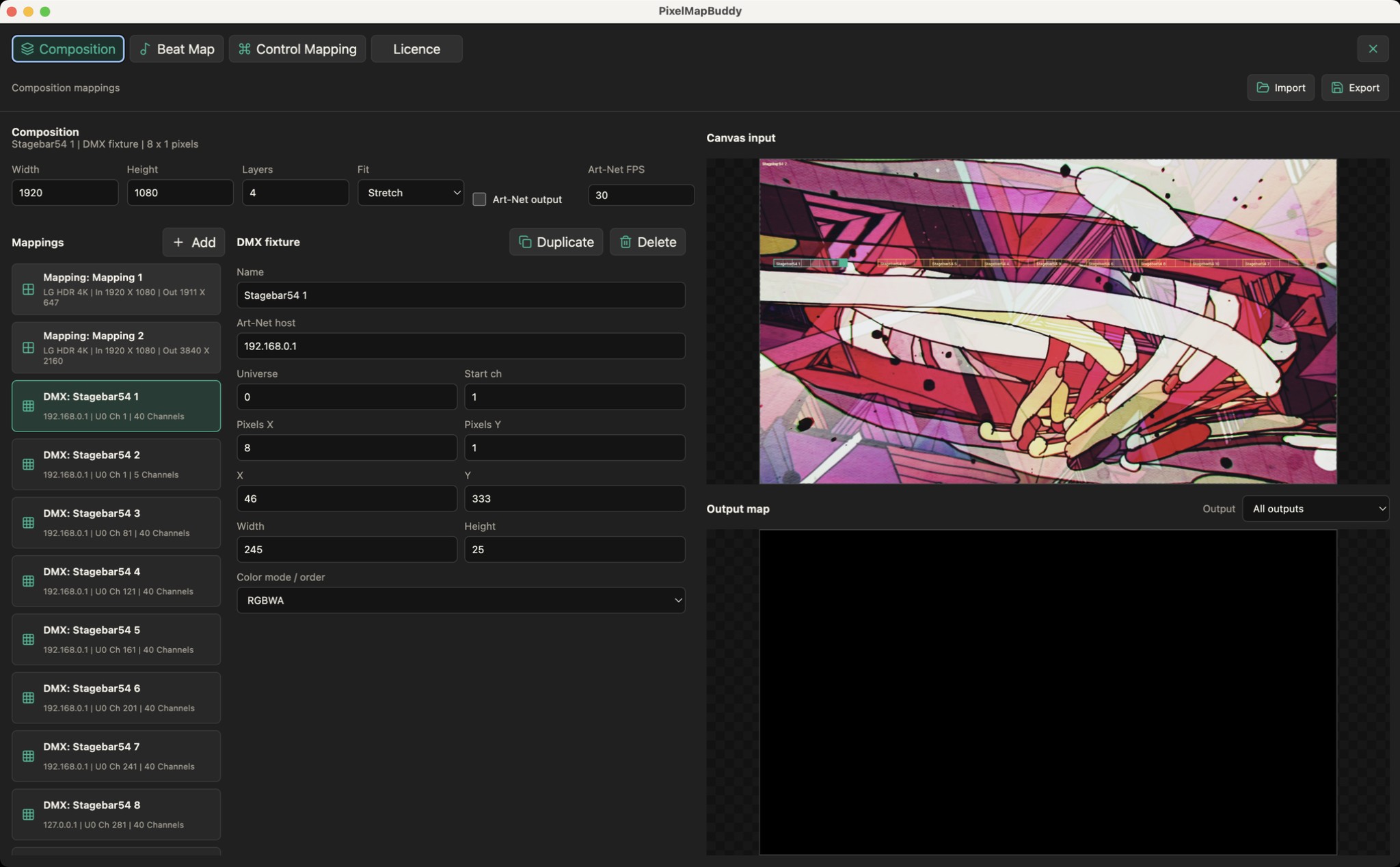
Turn your LED fixtures into a canvas. Place pixel layouts over your composition and send sampled colour to the rig over Art-Net.
Standard · Pro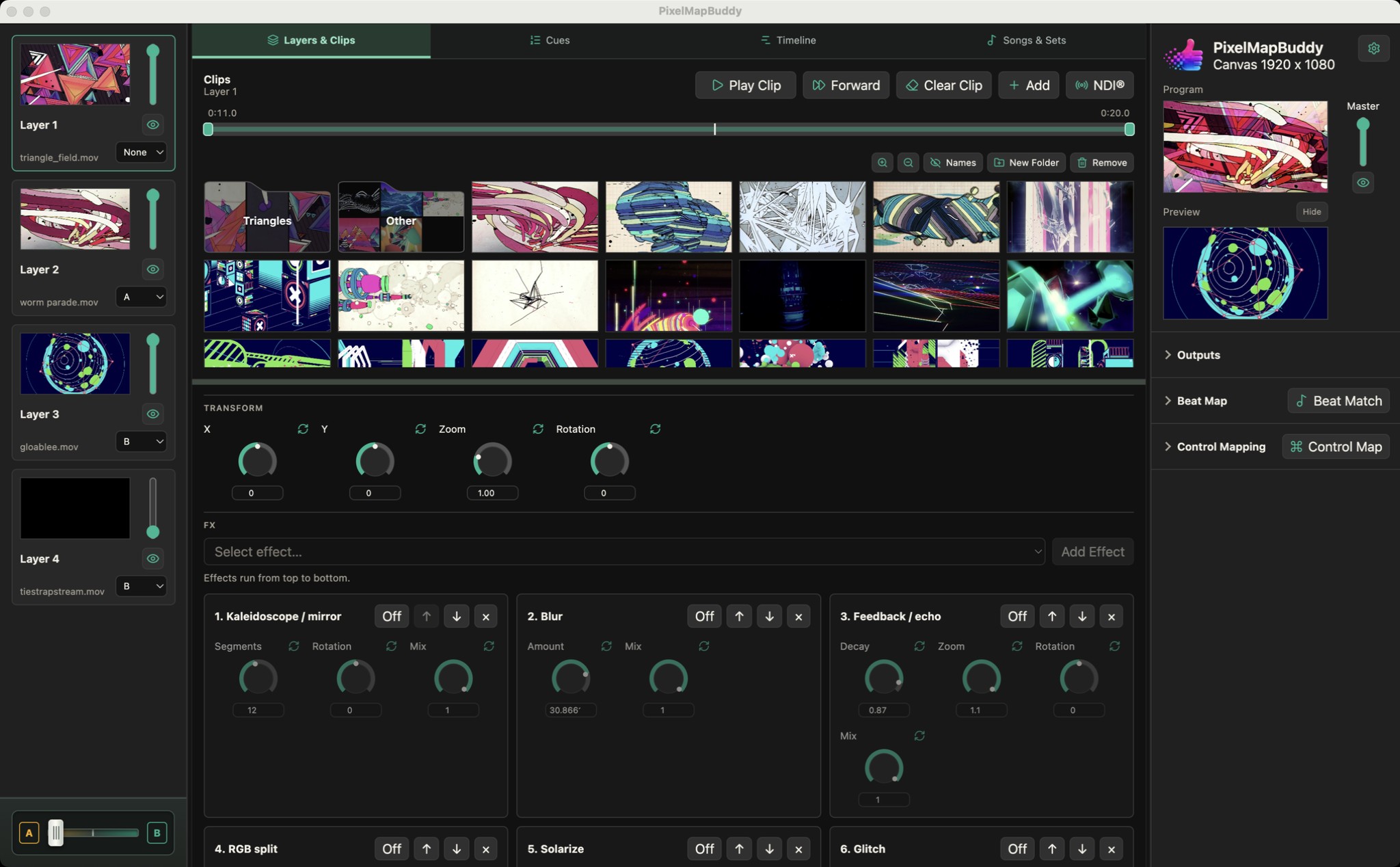
Build a visual mix around the way you perform. Keep your media library, layer controls and live preview together in one workspace.
Free · Standard · Pro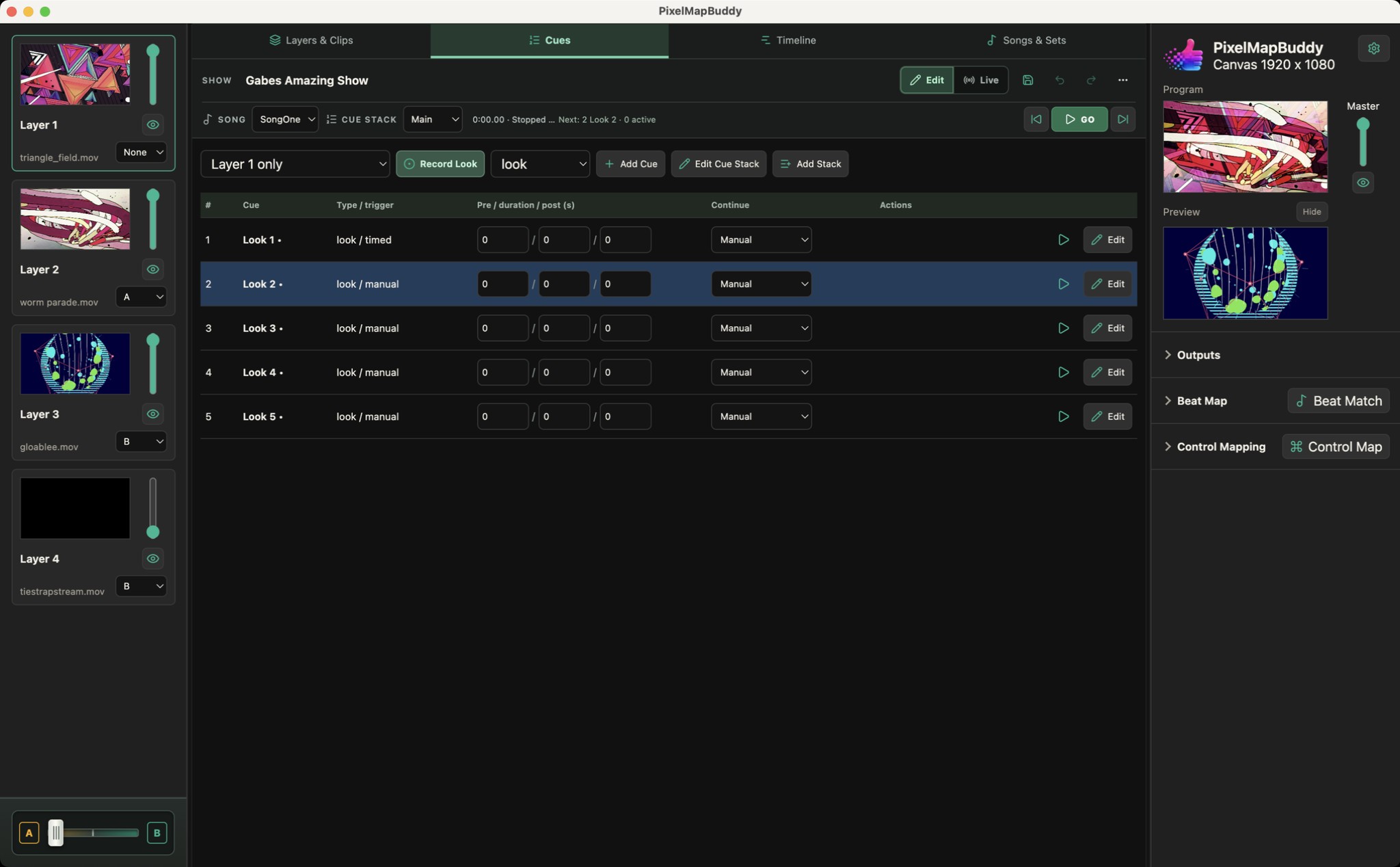
Turn your visual mix into a performance you can run again. Pro brings cue stacks, timelines and songs/sets into the same workspace as your layers.
Pro