Choose a destination
Create named output mappings and select the output screen for each mapping. Route the full composition or an available source to the destination.
 PixelMapBuddy
Free · Standard · Pro
Route your composition to output screens and choose source and destination regions to fit the visuals to your display layout.
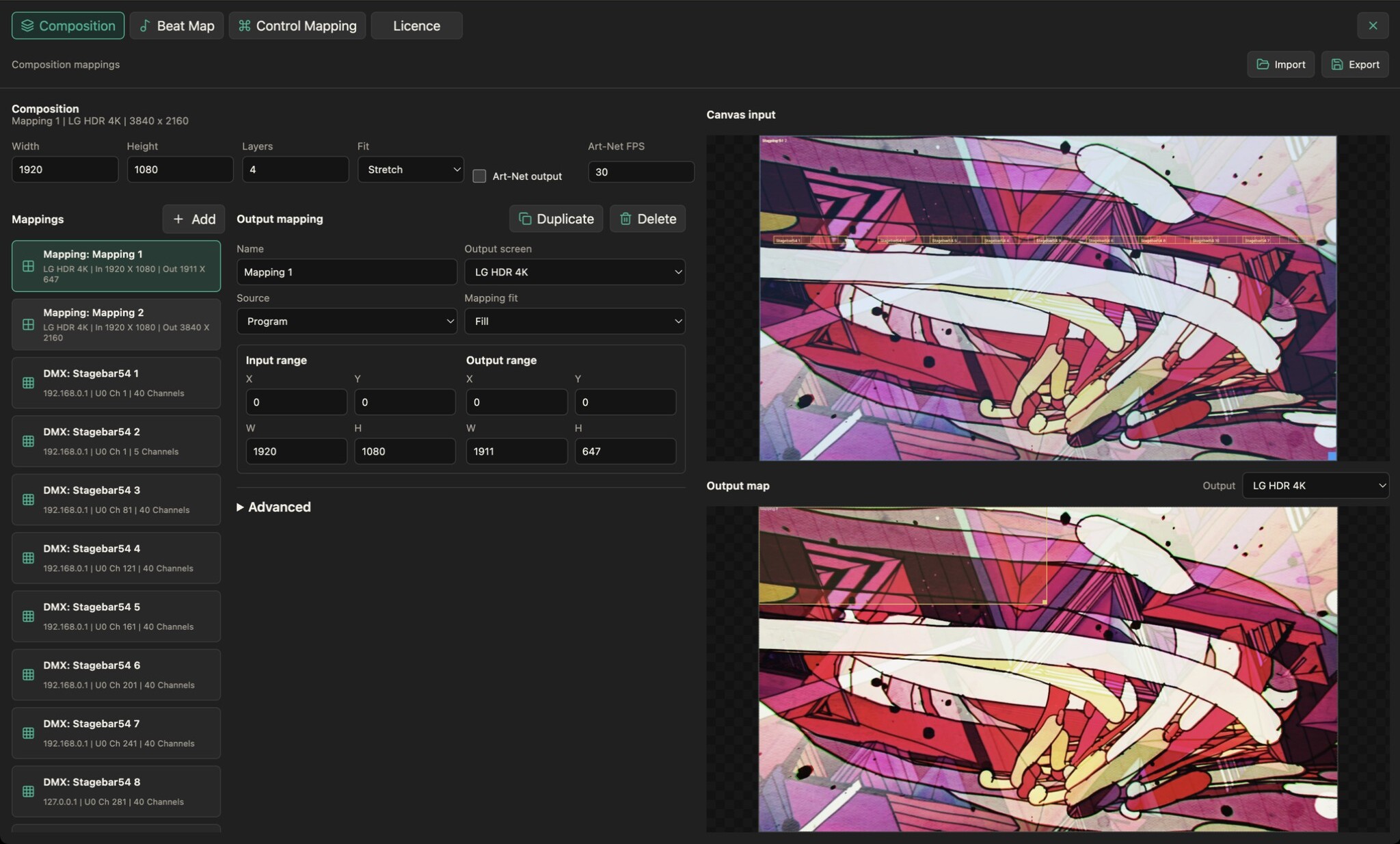
Create named output mappings and select the output screen for each mapping. Route the full composition or an available source to the destination.
Adjust input and output ranges and select the mapping fit. Keep the canvas layout separate from where the image appears on a display.
Pro adds perspective correction, mesh warping, masking and edge blending. Basic output mapping is available in every edition; advanced controls stay visible when locked.
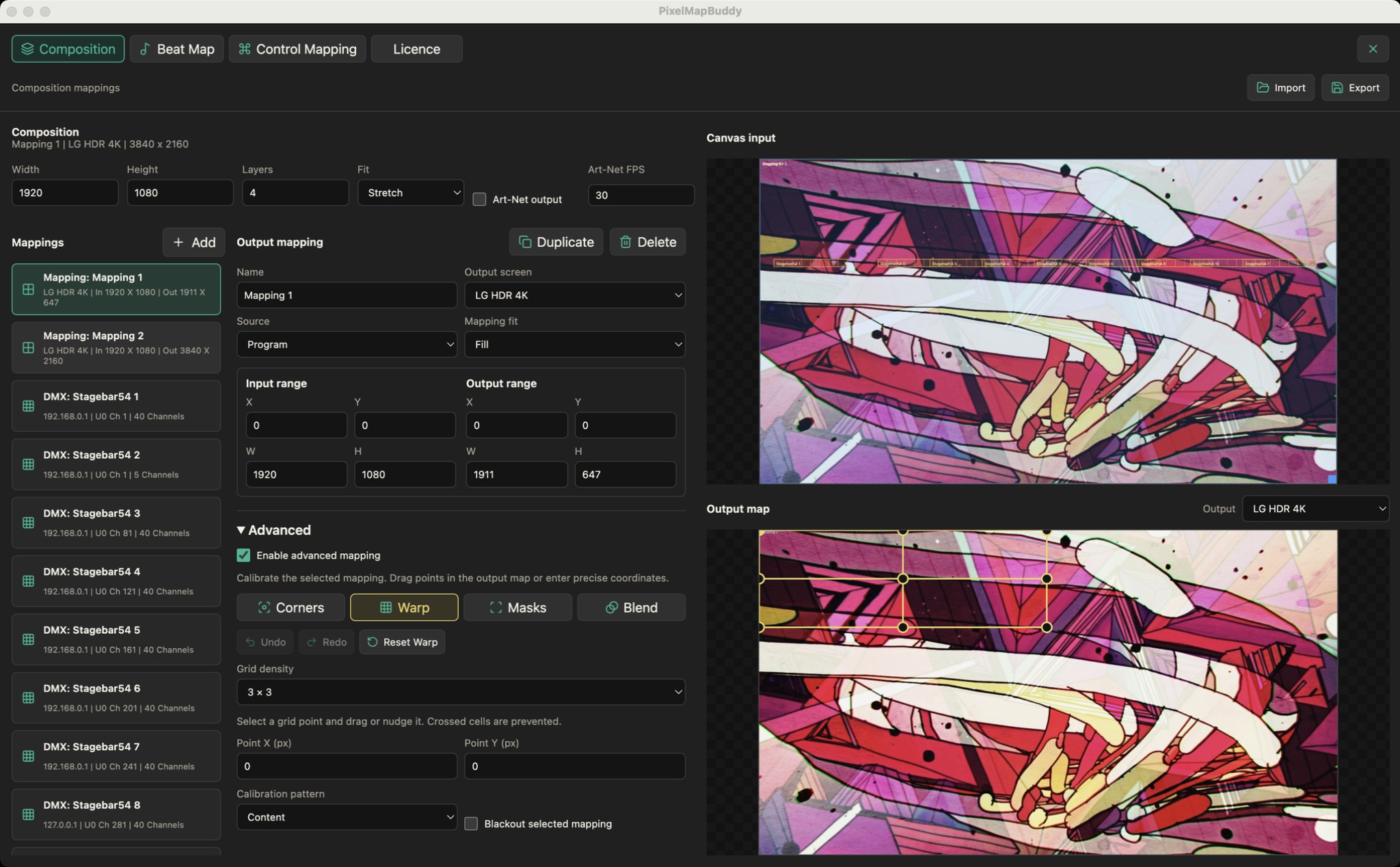
Fit the output to your projection surface. Pro adds advanced geometry and masking tools to the composition mapping workflow.
Pro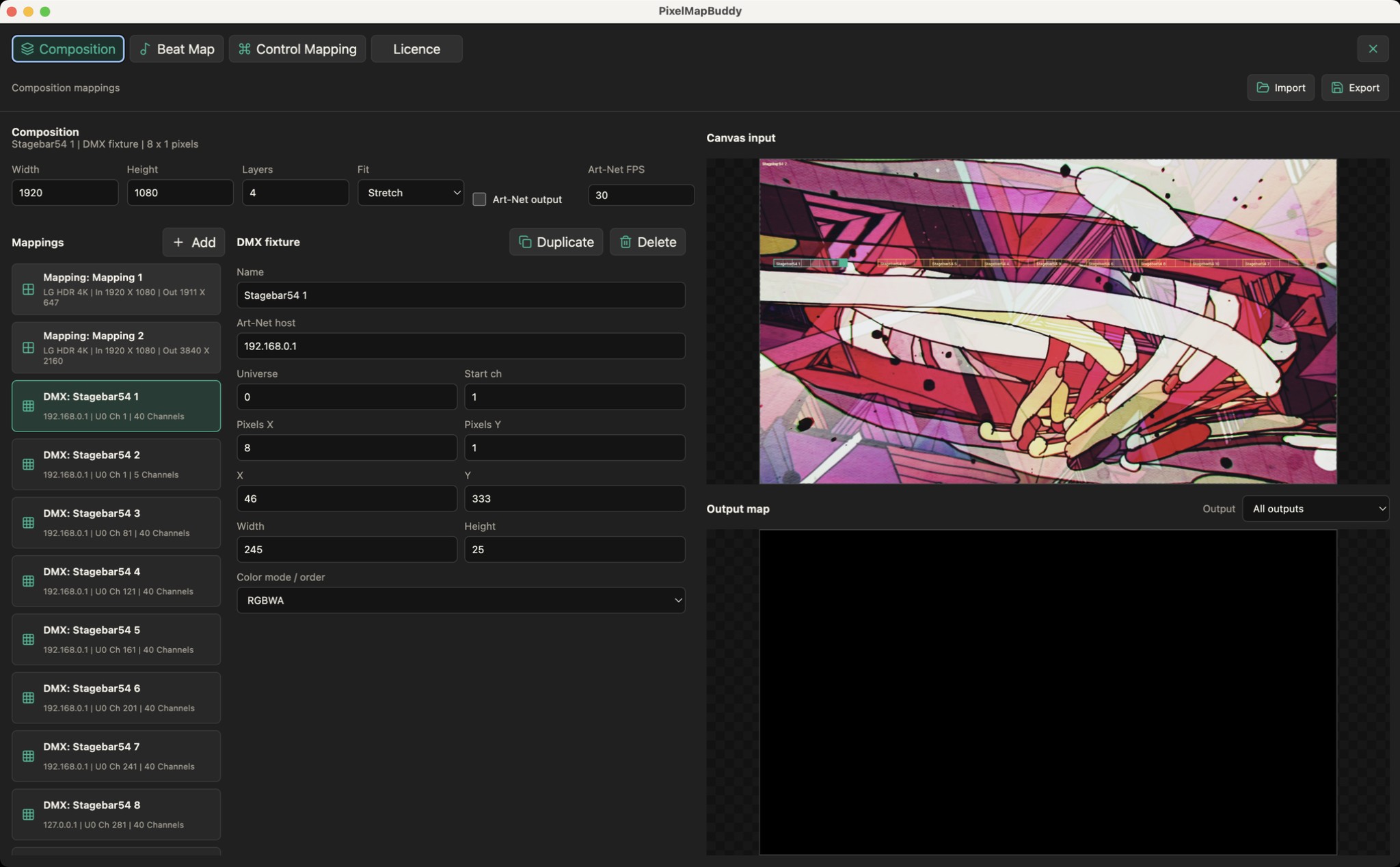
Turn your LED fixtures into a canvas. Place pixel layouts over your composition and send sampled colour to the rig over Art-Net.
Standard · Pro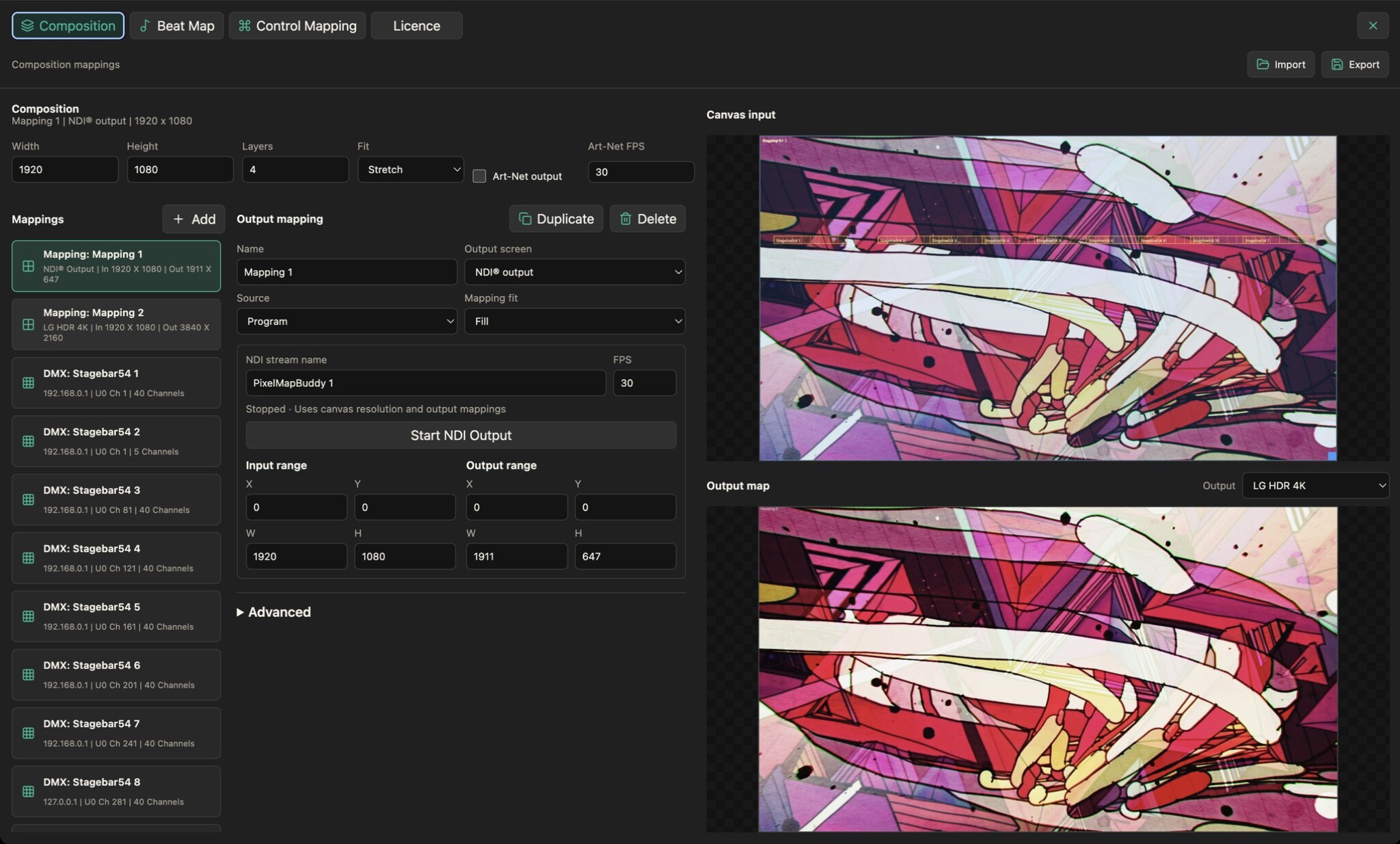
Receive live NDI video into your layers and send your composition as an NDI stream with Pixel Map Buddy Pro.
Pro