Place each layer
Move the image horizontally and vertically with the X and Y controls, then use zoom to change its scale.
 PixelMapBuddy
Free · Standard · Pro
Position, zoom and rotate your video layers in Pixel Map Buddy to build a composition from the media in your show.
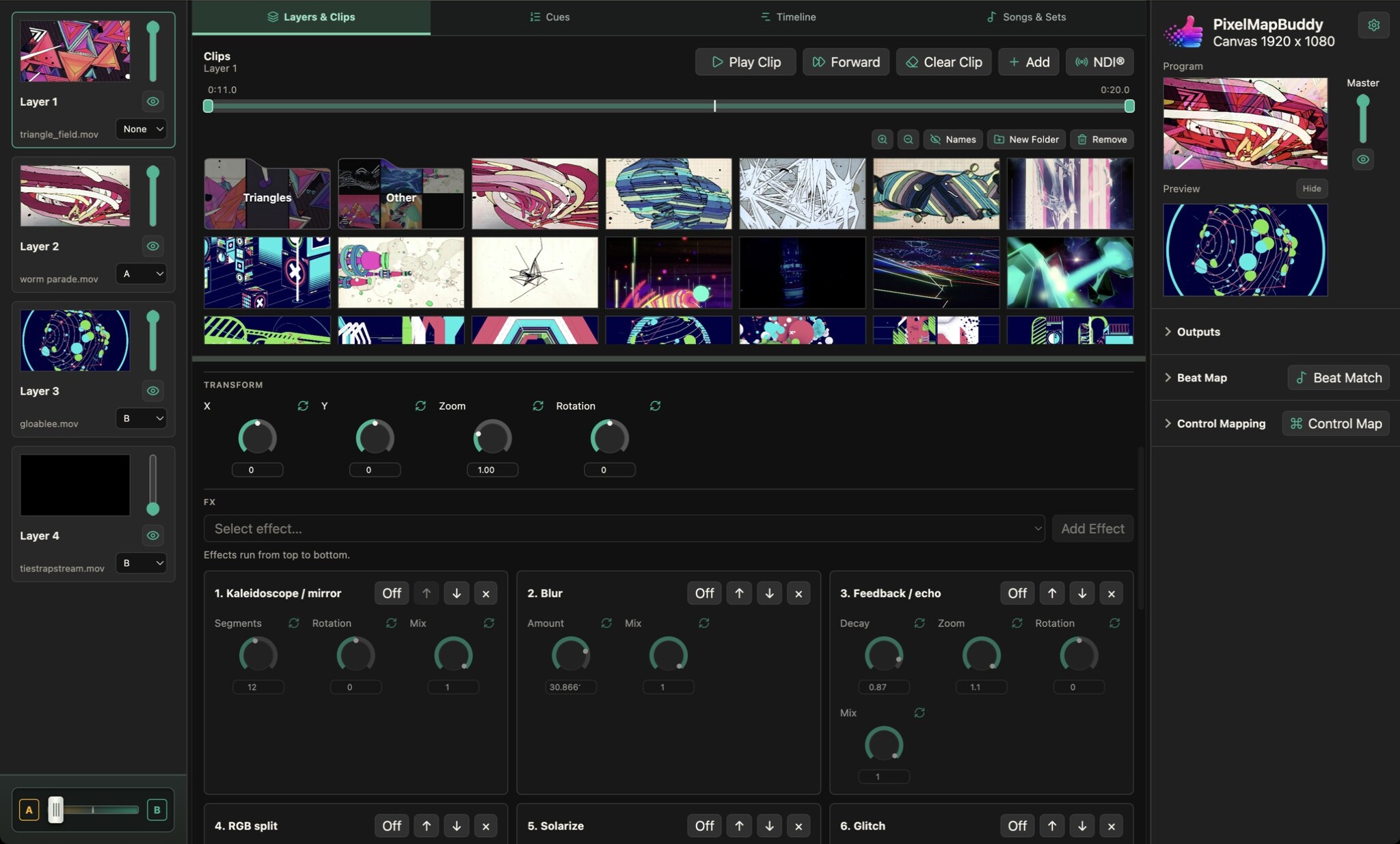
Move the image horizontally and vertically with the X and Y controls, then use zoom to change its scale.
Adjust rotation on the selected layer and watch the result in the programme preview. Combine transforms across layers to arrange your visual mix.
Work with horizontal or vertical sliders, dials or compact dials. Reset parameters individually and connect supported transforms to Control Mapping.
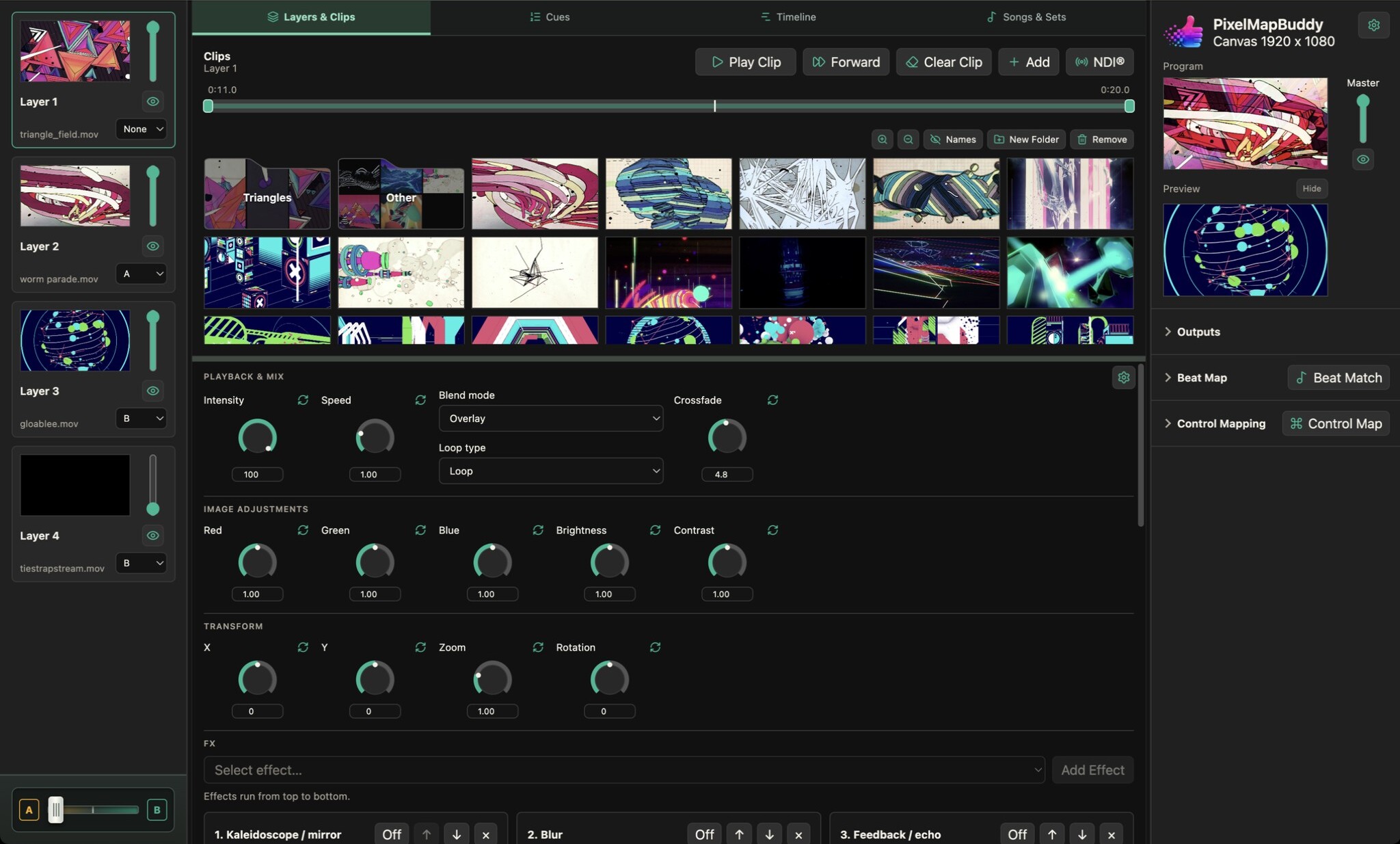
Bring video clips and still images into a visual performance with per-layer playback, a thumbnail media library and a live programme preview.
Free · Standard · Pro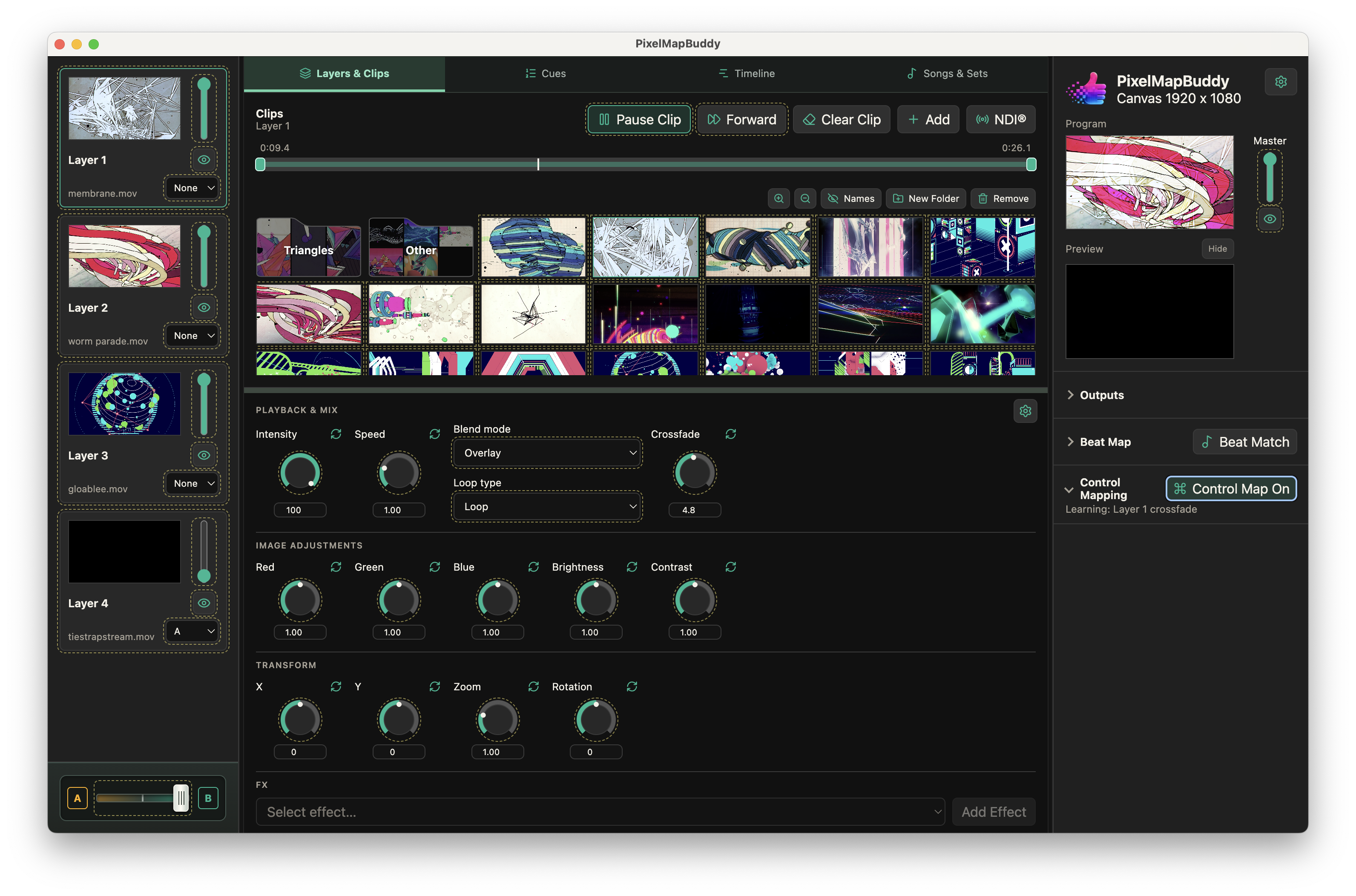
Put your visual controls on the hardware and software you already use. Map MIDI, OSC and DMX inputs to supported parameters in the workspace.
Free · Standard · Pro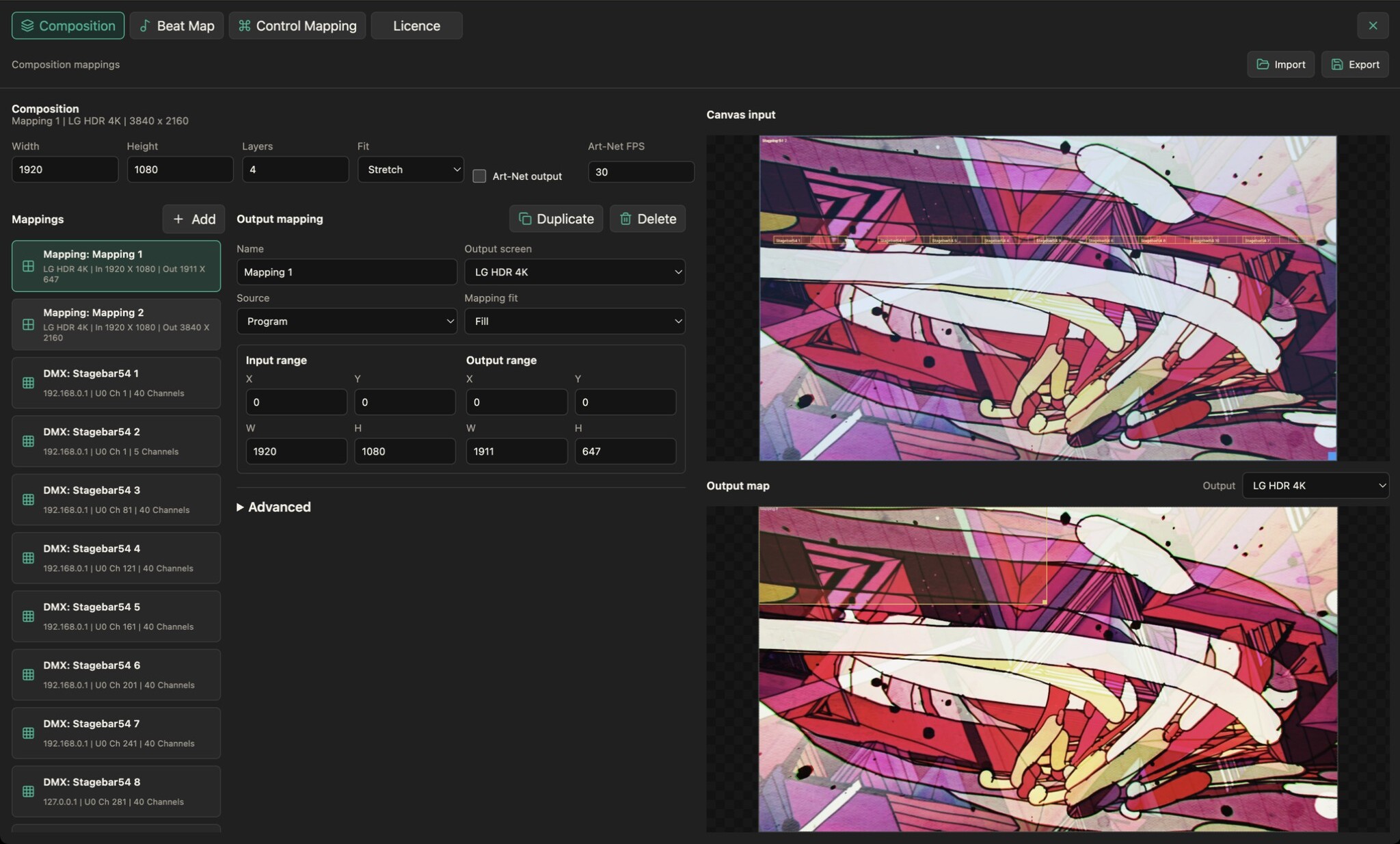
Route your composition to output screens and choose source and destination regions to fit the visuals to your display layout.
Free · Standard · Pro